 UN/EDIFACT · SMDG GUIDES
Vessel & terminal messages
BAPLIE, MOVINS, COPRAR, COARRI, CODECO and other maritime profiles.
View releases & scope → integr8BY ARGONAUT SYSTEMS LTD
Bring every message
into the same conversation.
Translate shipping messages, connect trading partners and keep operations moving — through one intelligent maritime data core.
Vessels. Terminals. Operators. One connected workflow.
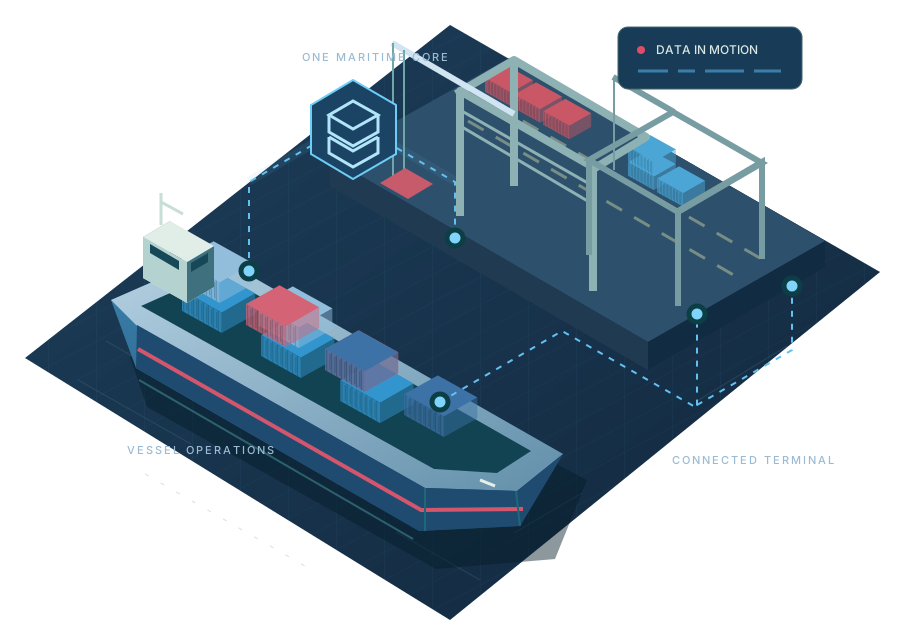
From a vessel stowage plan to a terminal event, work with named releases, visible structures and clear mapping rules.
Explore the format catalogueUN/EDIFACT · SMDG GUIDESBAPLIE, MOVINS, COPRAR, COARRI, CODECO and other maritime profiles.
View releases & scope → X12 · PARTNER GUIDES
Booking, invoice, status and customs messages with version-specific profiles.
View releases & scope →Bring legacy planning files into a connected workflow, with maritime meaning preserved.
Explore native formats →Define your columns, copy a standard profile and create a company format that fits.
Make the mapping yours →Capabilities vary by profile and release. The catalogue shows validation scope, supported directions and remaining limitations. Standards and product marks identify their respective owners.
A practical workflow for the people moving maritime data every day.
Upload a file, choose the source profile and see what the message contains. Resolve missing information in context.
UNDERSTAND THE SOURCEInspect the full structure. Copy it into your company, adjust mappings and transformations, and keep the original intact.
CONTROL THE MAPPINGGenerate the outputs your partners need. Preview the result, download the files and repeat the workflow with a saved pipeline.
REUSE THE WORKInspect translated files in a preview window. Move from the message text to a 2D bay plan or a 3D vessel view when stowage data is available.
Linked 20-foot and 40-foot positions share their physical bay. Inferred hull shapes and empty positions are distinguished from the cargo actually reported.
Open the vessel viewerIllustrative bay arrangement. The preview uses the positions and dimensions in your file.
Bring us a message. Let’s make it work for your operation.